
Weke Billing
Keep invoices, collections, and account records aligned
Weke Billing gives operators one surface for invoice status, collection follow-up, account records, and the next step after a payment event changes.
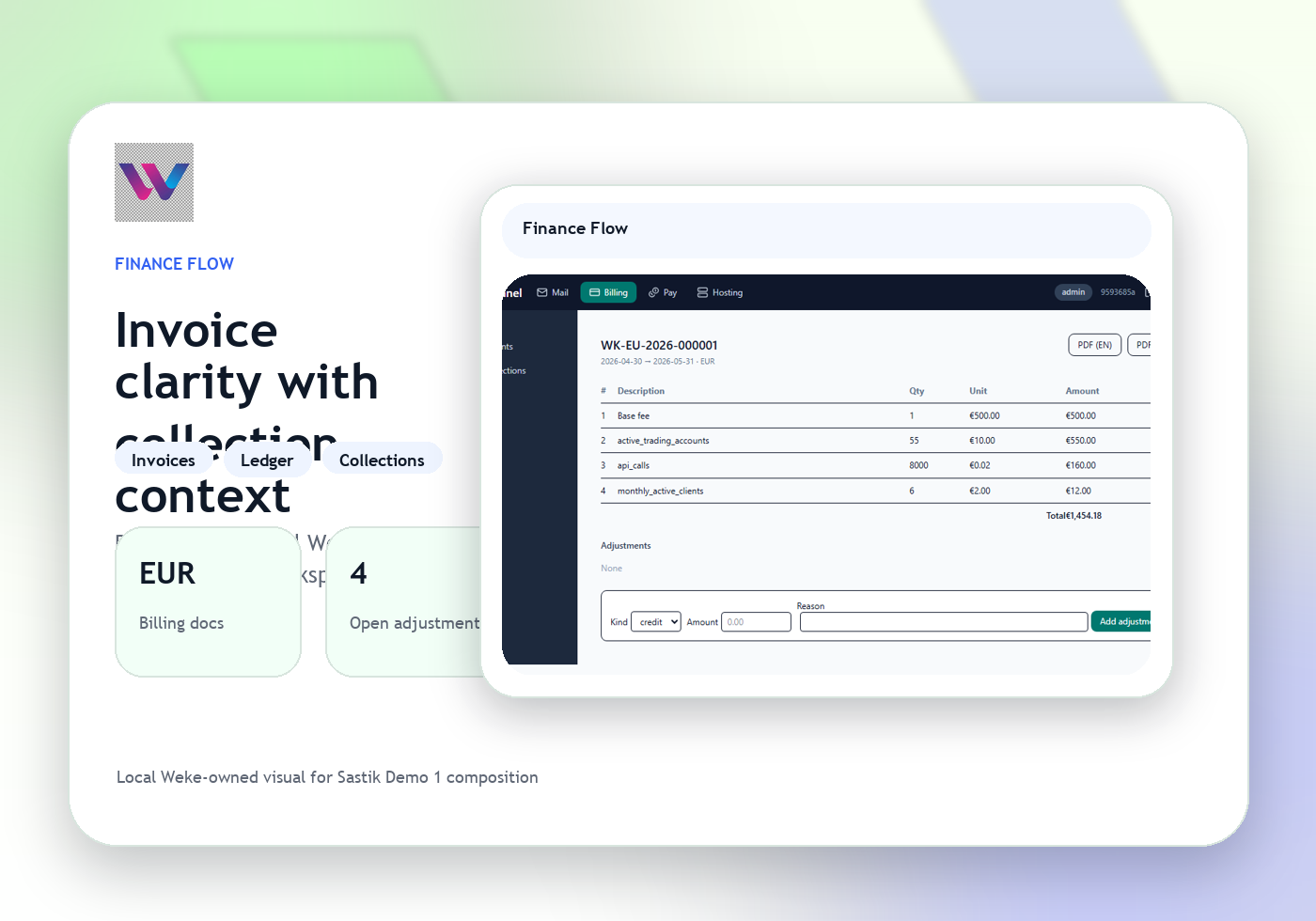
Keep every billing record tied to the account
Pass the next action into payment or support
Weke Billing
Weke Billing Features
Review the workflows, controls, and day-to-day operating detail behind Weke Billing for invoice creation, collection state, account records, and operator review.
See invoice totals and collection state at a glance
Operators can review outstanding balances, due dates, and confirmation status without hopping between spreadsheets and payment inboxes.
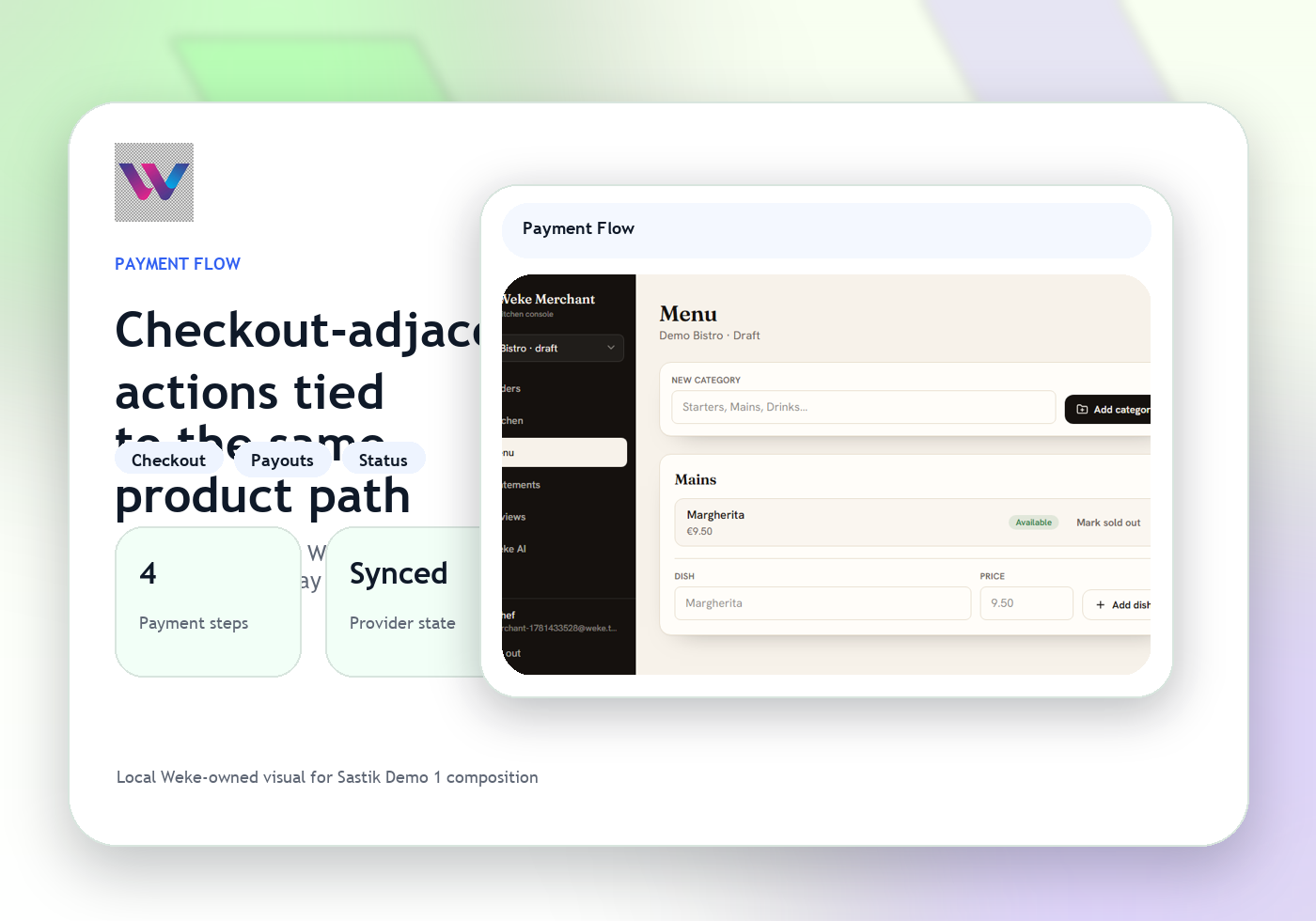
Keep every billing record tied to the account
Invoice notes, customer status, and operational follow-up stay attached to the right account record as the balance changes.
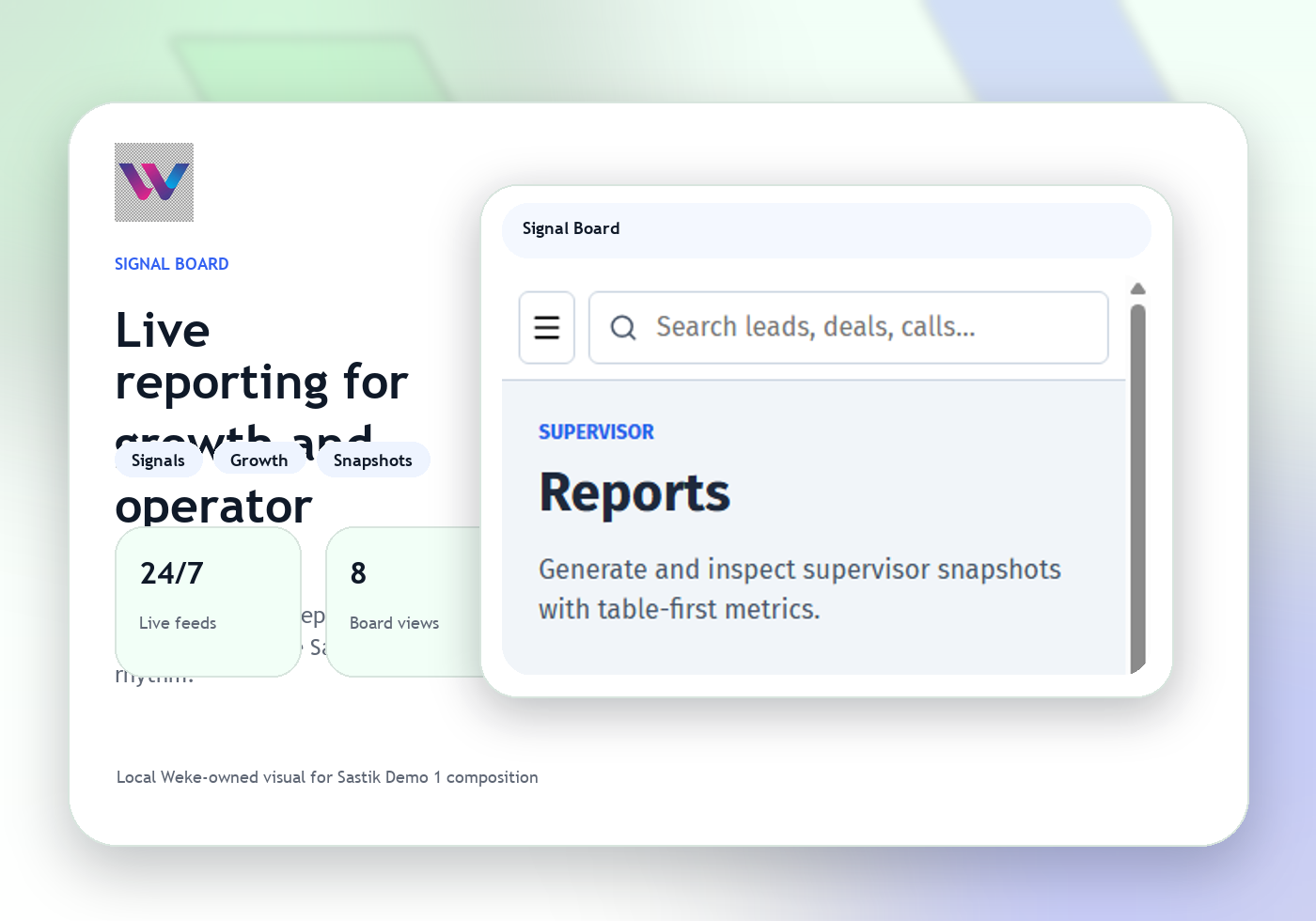
Pass the next action into payment or support
When an invoice needs a payment session, confirmation check, or customer follow-up, Billing hands the case to the right Weke surface.
Weke Billing
Weke Billing Workflow
Follow the three operating steps that keep invoice status, collections, account records, and billing operations moving.
Open the account and invoice context
Start from the customer record, amount due, dates, and collection owner assigned to the case.
Check status, notes, and payment movement
Review invoice activity, collection comments, and any linked settlement or exception state.
Confirm or escalate the next billing step
The operator either closes the record with confirmation or routes the issue into pay, CRM, or support with the right detail.
Keep invoices, collections, and account records aligned
Weke ID handles login and registration for Weke Billing and returns only to https://billing.wekedev.com/app.